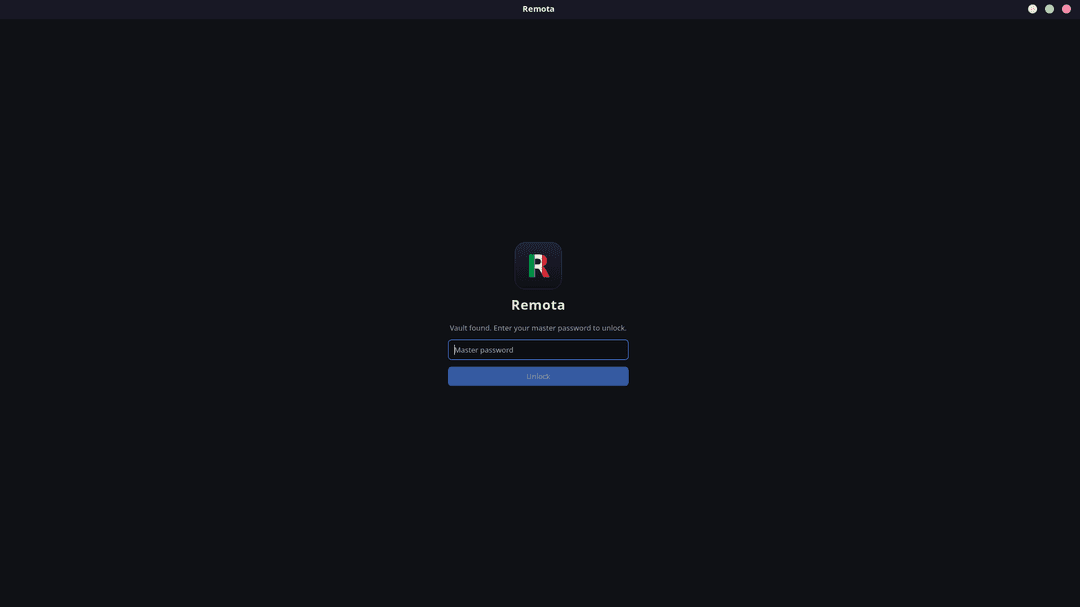
Encrypted vault
On first launch, set a master password. The local vault is encrypted at rest with AES-256-GCM, unlocked only by your key.
Open-source remote connection manager for Linux — SSH, RDP, VNC and Telnet in one fast, organized, encrypted app. The mRemoteNG workflow — tabbed sessions, folders, multi-protocol — finally on Linux, built as a native Rust/Tauri binary. 100% open source · Self-hosted · Data never leaves your machine.
Developers, sysadmins, homelabbers, students, IT teams — anyone with more than one remote machine gets the same tabbed, folder-organized workflow.
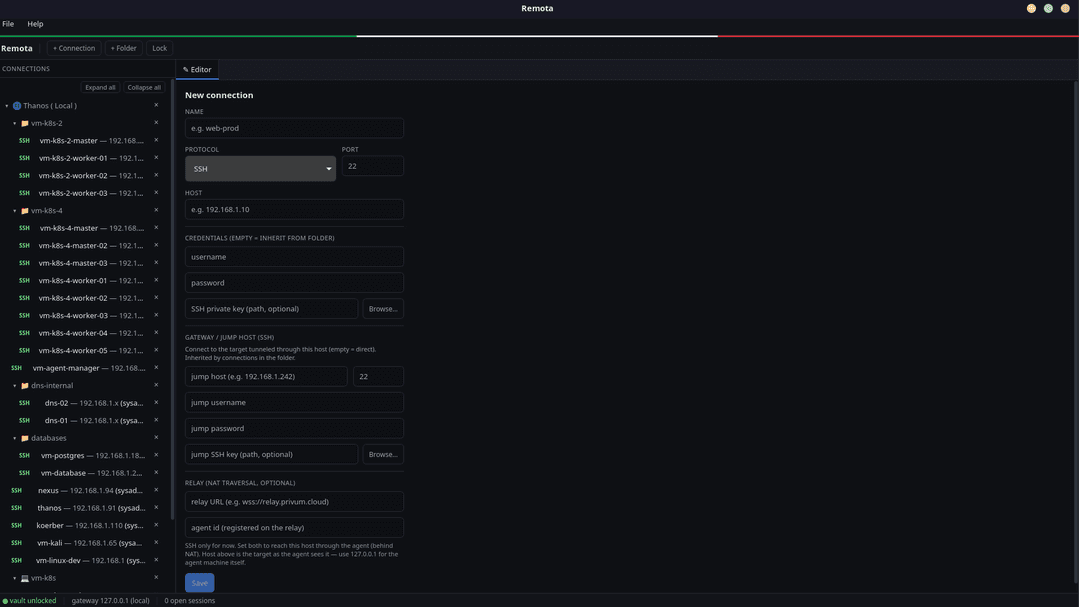
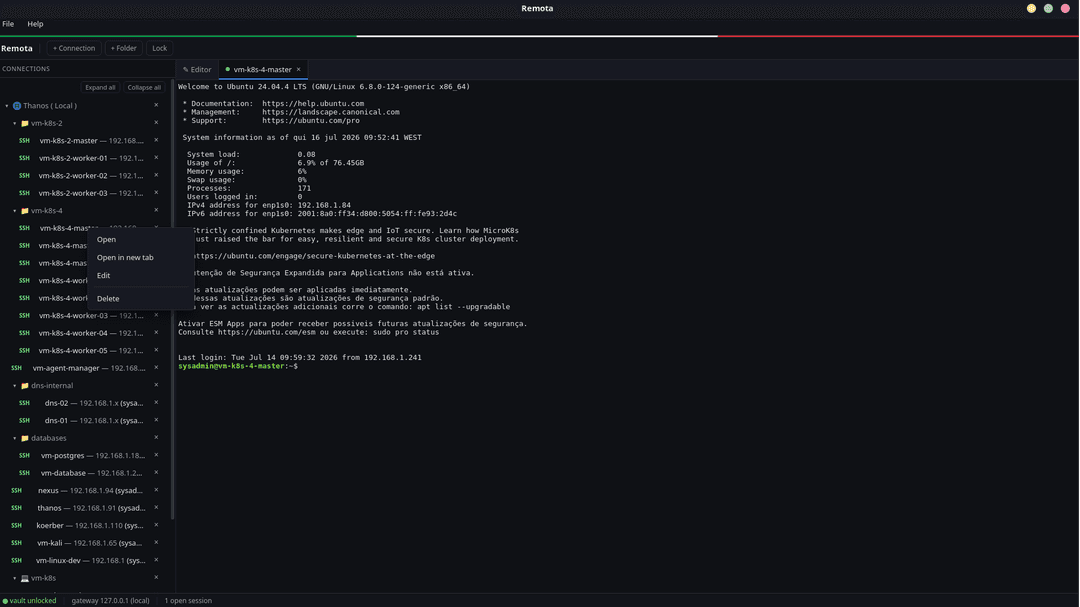
A tree of folders on the left, sessions in tabs on the right, and a vault that only you can unlock. If you've used mRemoteNG, you already know where everything is.
What ships in the box
Every feature below is in v0.1.2 today. No paywall, no 'coming in Pro' — the whole app is on GitHub.
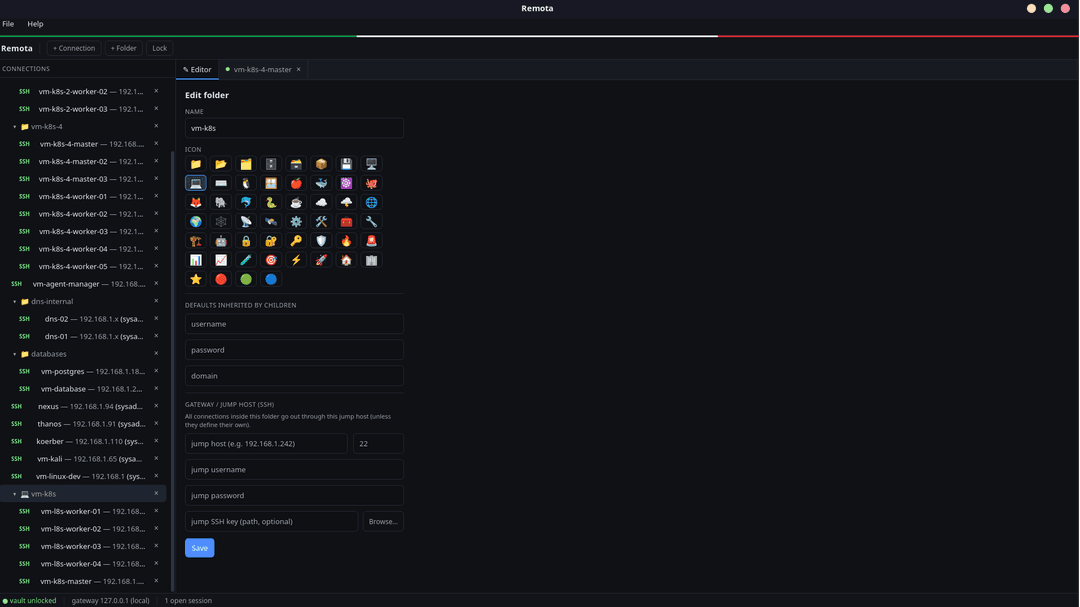
Organize hundreds of hosts the way you already think about them — drag between folders, nest as deep as you need, and pick a custom icon per node so the tree is scannable at a glance.
Drag & drop · Custom icons · Nested foldersSet the username, SSH key, or jump host once on a folder and every child inherits it. Override on a single host when it needs to differ. Same mental model as mRemoteNG, without the copy-paste.
Folder-level defaults · Per-host overridesSSH, RDP, VNC and Telnet each in their own tab, in the same window. Switch between a production shell, a jump-host session and a Windows RDP with a single Ctrl+Tab.
SSH · RDP · VNC · TelnetConnections and secrets are stored locally in a vault encrypted with AES-256-GCM. The key is derived from a master password with Argon2id. Nothing leaves your machine, ever.
AES-256-GCM · Argon2id KDFChain through bastions the way OpenSSH does. Set a jump host on a folder or a single connection and Remota handles the ProxyJump negotiation for you.
ProxyJump native · Per host or per folderReach machines behind CGNAT or restrictive firewalls through a small agent that dials out to a relay you host. Private alternative to AnyDesk, remote.it and RustDesk — no third-party cloud, no vendor lock-in.
Self-hosted relay · No third-party cloudBring your existing setup in with a single `confCons.xml` import. Folders, hosts, credentials and protocol settings map across — you don't rebuild your world.
confCons.xml import · One-shot migrationA properly-sized pseudo-terminal that follows window resizes. `vim`, `k9s`, `htop`, `less`, `tmux` — they fill the pane, respond to SIGWINCH, and render exactly as they do on your native shell.
Full PTY · Resize-awareDeleting a host or a folder moves it to Trash, not oblivion. Restore in one click if you nuked the wrong node — no more "did I really just delete production?" moments.
Soft delete · One-click restoreBuilt on Tauri v2 — Rust backend, native OS window, WebView UI. Starts instantly, sips memory. Not a bundled browser, not Electron.
Tauri v2 · Rust · Native windowWe use Remota every day, so we'll be honest about what's rock-solid and what's still maturing. SSH is where we've spent the most time — RDP, VNC and Telnet share the same tabbed shell but you should expect rough edges.
What we use every day. Real PTY, jump hosts, ProxyJump, key auth, resize — the works.
Connects to Windows and xrdp hosts and renders the desktop. Expect rough edges in edge cases — we use it, we ship fixes.
Same tabbed shell as RDP — usable today, still refining. Works well with TigerVNC / TightVNC hosts.
A pragmatic fallback for gear that only speaks Telnet — network equipment, legacy appliances. Shares the terminal shell with SSH.
Ships as a signed `.deb`, `.rpm`, and portable `.AppImage`. Pick your target and grab the latest release from GitHub — no package repo to add.
Grab the assets from the GitHub releases page — the file names include the current version (replace `0.1.2` with the latest tag if newer).
The agent (`remota-client`) runs on machines behind NAT. Point it at your relay and Remota reaches them as if they were on the same network.
One-shot install on any Debian-based distribution. APT resolves the runtime deps for you.
sudo apt install ./Remota_0.1.2_amd64.debMost remote-access tools were built for a SaaS model — accounts, dashboards, telemetry, “pro” tiers. Remota was built the other way around: local first, yours first, transparent by default.
Licensed under AGPL-3.0-only. Read the code, audit it, patch it, ship it. No proprietary blob hiding under the hood.
No account. No cloud. No telemetry. The vault lives on your disk and the relay runs on your infrastructure — Remota doesn't phone home.
Credentials, hosts, session history — all local. Even the NAT-traversal path terminates on a relay you own. Zero third-party trust.
Built as a Tauri v2 app from day one. Native window, native filesystem, native keychain integration where it makes sense.
Adjacent practices that pair well with this one — most engagements blend two or three.
Practical answers about scope, timelines, and how engagements with our Remota team usually look.
Whether you're starting from scratch or scaling what you have, our engineers are ready to help.